
The Overview
The Overview is the first page of the admin app. It shows how visitors used the assistant and how well it answered. Everyone on the team sees it.
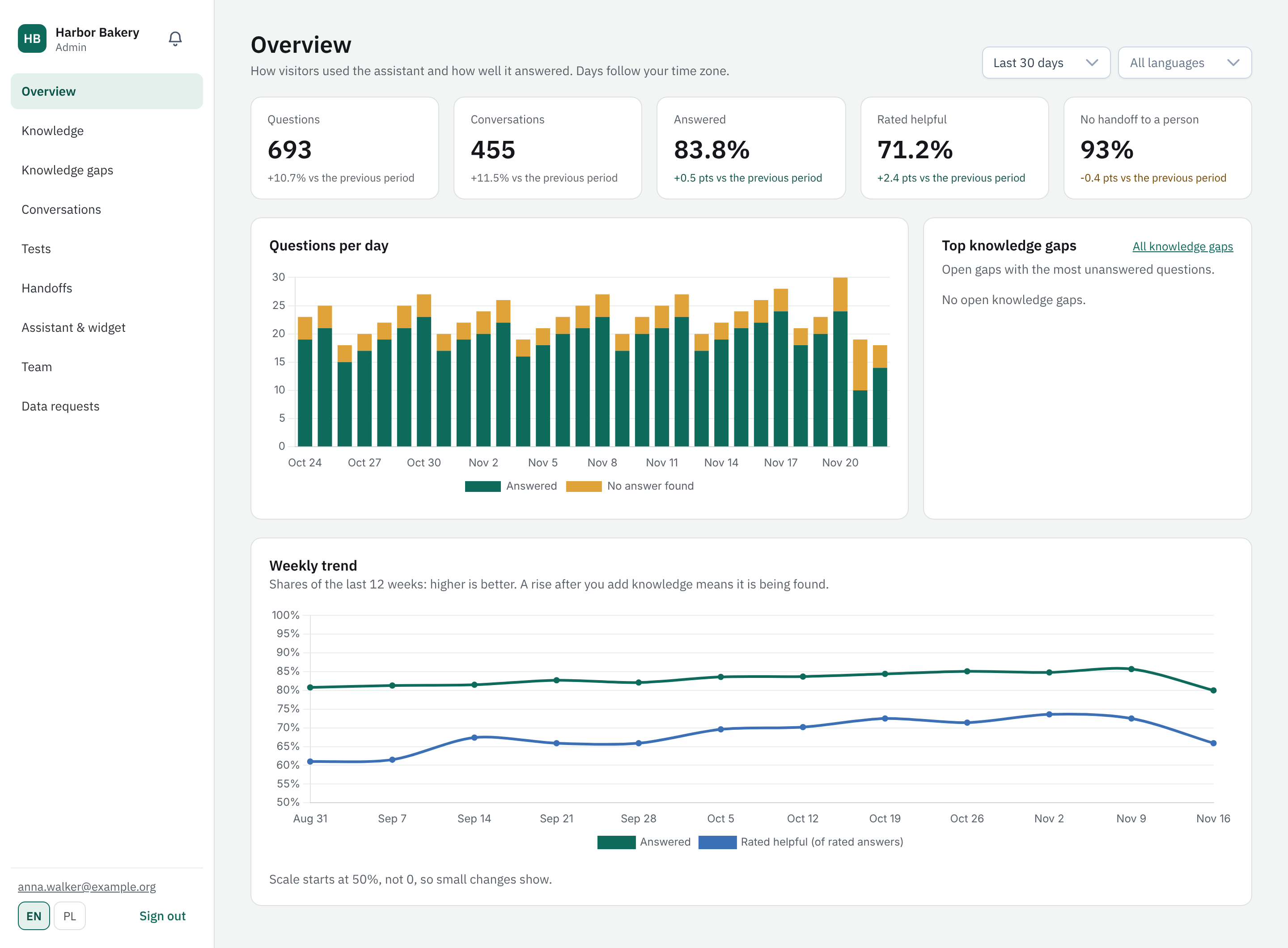
Period and language
At the top right, choose the period: the last days up to today. Every figure is compared with the period of the same length just before it. Choose a language to see only the chats held in it; without one, all languages count.
Days follow the time zone of your computer, so a question asked late in the evening counts for the day you saw it on. Today’s numbers are up to date; the days before are counted every night.
The figures
- Questions: questions the assistant answered or tried to answer. A greeting, a thanks or a goodbye that gets a short fixed reply is not counted.
- Conversations: chats in which the visitor asked at least one question.
- Answered: the share of questions the assistant answered from your knowledge. The others got the reply that it did not find an answer. They are the questions to look at first: see the Top knowledge gaps.
- Rated helpful: of the answers visitors rated with the thumbs in the chat, the share they marked as helpful. Answers nobody rated do not count here.
- No handoff to a person: the share of conversations in which the visitor did not ask to be contacted by a person. Only on plans with handoff to a person.
Under each figure you see how it changed. A count changes by a percentage of itself; a share changes by percentage points (“pts”), so Answered going from 90% to 92% reads “+2 pts”. Shares count what went well, so for them up is good news, and the change is marked as better or worse.
Questions per day
Each day’s questions, split into Answered and No answer found. A day with many unanswered questions often follows a change on your website, such as a new offer the knowledge does not have yet.
Top knowledge gaps
On a paid plan, the open knowledge gaps with the most unanswered questions, and a link to all of them. Every night the assistant groups the questions it could not answer by topic; a gap closes when you select Add answer or Mark as resolved on it. See Knowledge gaps. On the free plan the card says what knowledge gaps give on a paid plan.
Weekly trend
The share of Answered questions and of answers Rated helpful, week by week, over the last 12 weeks. Higher is better. A rise after you add knowledge means visitors find it. The scale may start above 0 so that small changes show; the chart then says where it starts.
When there is nothing yet
Until visitors ask questions on your website, the page says that the numbers fill in as they use the assistant. Questions you ask in Test the assistant are not counted here.