
Plans
Asquo has a free plan and a paid one, the standard plan. Both answer your visitors from your knowledge; the paid plan answers more, from more knowledge, adds the tools a team uses to keep the answers right, and lets a team work together. Every limit of each plan is on the Limits page.
What the paid plan adds
| Free | Standard | |
|---|---|---|
| Questions the chat answers | 20 a day, 100 a month | 2,000 a day |
| Websites as knowledge | 1, up to 100 pages | up to 500 pages each, 2,000 in all |
| Q&A | 20 | as many as fit in 500 sources |
| Uploaded files (PDF, Word, Excel, text) | ✓ | |
| Websites the chat runs on | 1 | 20 |
| Team | the Owner alone | everyone you invite, each with a role |
| Handoff to a person, with categories and working hours | ✓ | |
| Knowledge gaps and contradictions, found every night | ✓ | |
| Tests of the assistant’s answers | ✓ | |
| How long chats are kept | 30 days | your choice, up to 365 days |
| Two-step sign-in | recommended | required for everyone |
On the free plan, the pages of paid features stay in the menu with a lock. Opening one shows what it gives.
Your plan’s card
On the free plan, a card under the menu shows the plan and how many questions the chat answered this month and today, out of how many. When the month’s or the day’s questions are used up, the card says until when the chat is paused: visitors are then told it has answered all it can, until the next month or the next day starts at midnight UTC (in Poland 1:00 in winter, 2:00 in summer). Staff get a notification when the questions reach 80% of a limit.
Ask for a paid plan
The Owner selects I want a paid plan: on the plan’s card, on a locked page, under Add knowledge, where Upload files is locked, on the Team page when every place is taken, on the Knowledge page when knowledge is paused, or under Allowed websites when the chat is paused on all your websites. Add anything we should know, such as how many questions a month you expect, and select Send request.
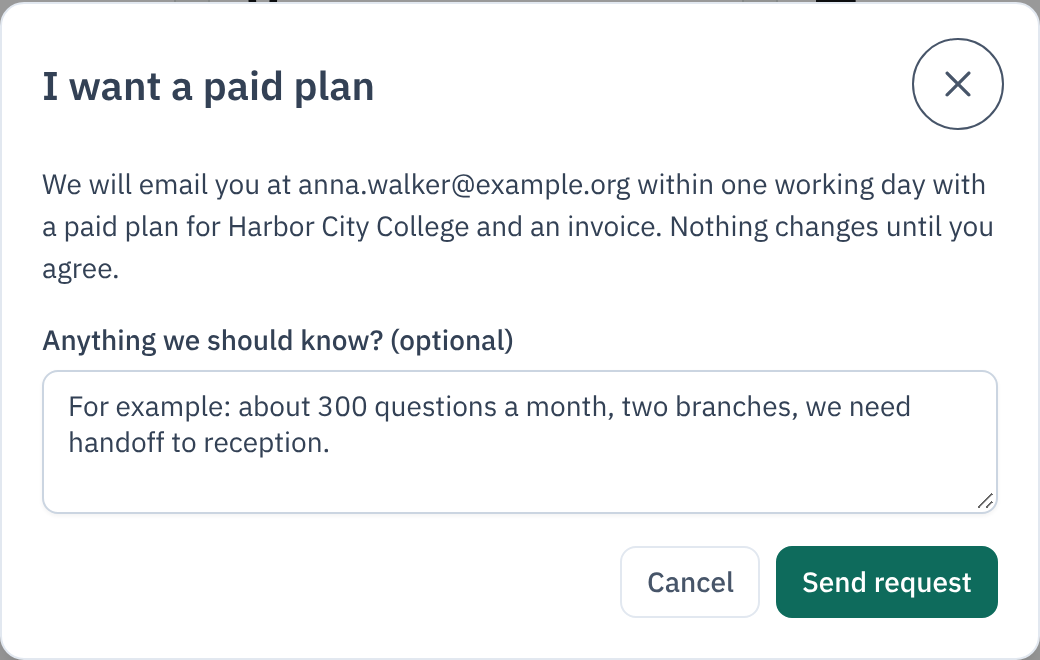
We email you within one working day with a paid plan for your organization and an invoice. Nothing changes until you agree. Other roles see that the Owner can ask.
Moving to the paid plan
The new limits and features apply the moment we change the plan. Knowledge and people paused by the free plan come back at once, if the new plan has room for them. What you had before on the paid features, such as earlier test runs, is still there. The new plan’s daily and monthly limits, and the plan’s card, count from the move.
Moving to the free plan
When an organization moves to a plan with smaller limits, nothing is deleted at once.
Knowledge over the limits is paused. The assistant does not answer from it and it is not read again, but it stays in the list on the Knowledge page, marked Paused. Files are paused, because the free plan has no uploads. Of the websites and Q&A, the ones that were live at the move are kept first, then the oldest. A website kept as knowledge answers from its first pages up to the plan’s limit.
- To answer from a paused source instead of one that is in use, select Answer from this in its row and choose which one to pause instead.
- A paused source or page is deleted 30 days after it was paused, unless you swap it in or move to a paid plan before that day. The page shows the date. The Owner gets an email when knowledge is paused, and reminders before it is deleted.
- Deleting a source frees a place, and a paused source or page that now fits comes back by itself.
People over the team size are paused. On the free plan, only the Owner keeps access. The others keep their account and role but cannot open the organization, until it moves to a plan with room for them: they are marked Paused on the Team page, and see why when they sign in. The Settings page says how many other people are still on the team or invited, and links to Team, where you remove them. See Organization settings.
Chats are kept as long as before, for a while. If the new plan keeps chats for less time, the shorter period applies only after 14 days, so you can download them first. See Organization settings.
The free plan’s limits count from the move. Questions the chat answered, test questions, changes to knowledge and the AI allowance used earlier that day and month, on the paid plan, do not count toward the free plan’s daily and monthly limits. The plan’s card counts from the move too.
Paid features stop, and what they made stays readable. Handoff, knowledge gaps, contradictions and tests stop working, but what is already there, such as earlier handoffs and test runs, stays for you to read. A visitor who asks for a person sees your contact text instead of the form, when you have one.
The chat pauses on your websites when they are more than the new plan allows. They stay in Allowed websites, Owners and Admins get a notification, and the Owner gets an email. There they choose the website the chat keeps running on (an address with and without www. counts as one), or remove websites until the list fits. The others stay paused, and the chat runs on all of them again when you move to a plan with room for them. See Paused websites.